Google Review Analysis for Hotels: Turn Feedback into Decisions
A practical Google review analysis workflow: unify reviews, track sentiment and themes, and turn trends into hotel operations fixes.
Google reviews sit at the center of your reputation, but they are only useful if you turn them into decisions. The goal is not to read every comment. The goal is to extract patterns you can act on quickly, then verify them with humans before you change operations.
If you want the full system first, start here: Hotel Review Management: Complete Guide
What “Google review analysis” really means
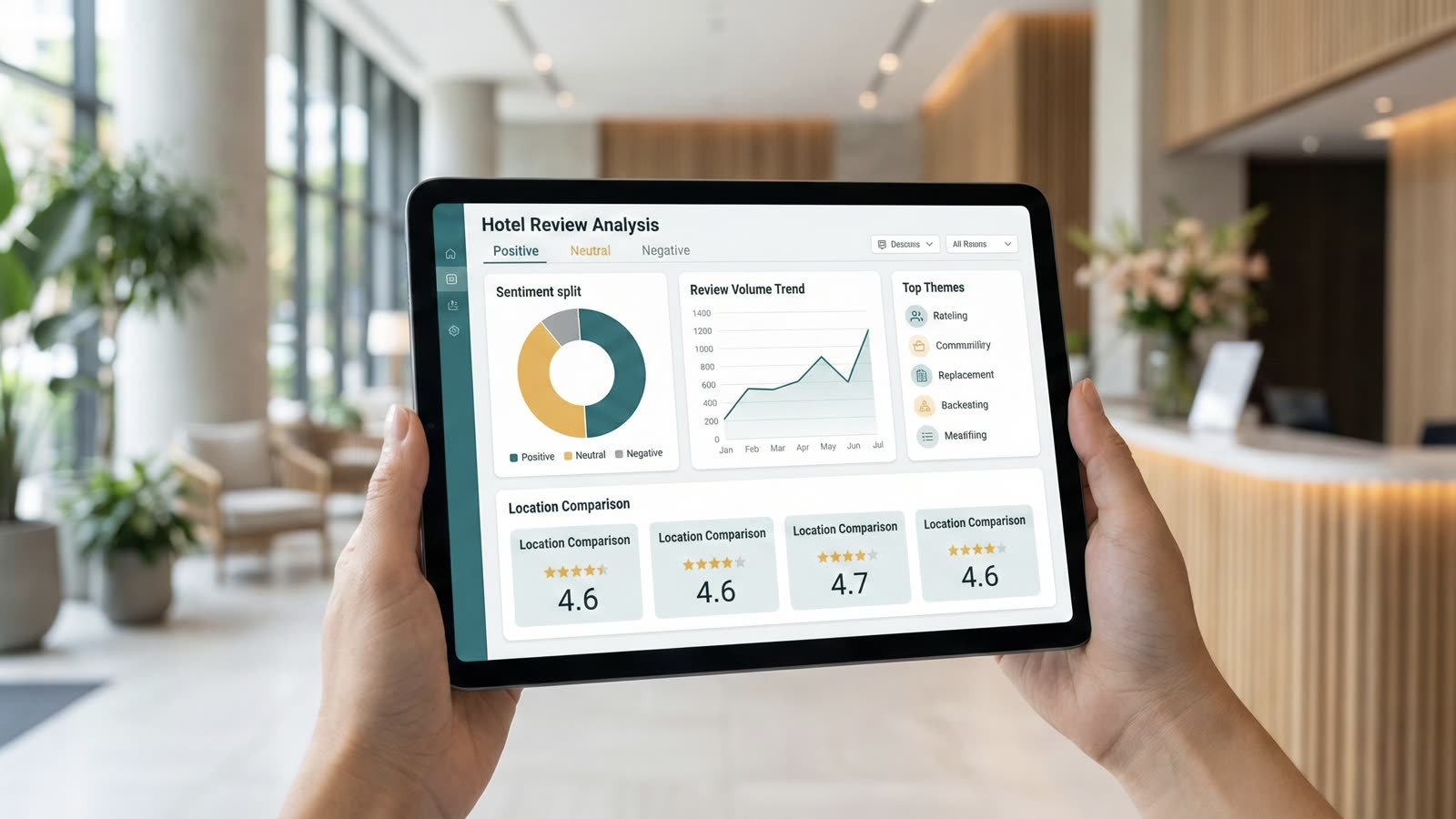
Analysis is not a single metric. It is a set of signals that show where guest experience is improving or slipping.
Focus on five signals that can be reviewed every week:
- Rating trend: Is your average rating stable or sliding?
- Review volume: Are you getting fewer reviews after a policy change?
- Sentiment split: What percent of reviews are positive, neutral, or negative?
- Theme frequency: Which topics (cleanliness, breakfast, check-in speed) show up most?
- Location comparison: Which properties or clusters are outperforming the rest?
ReviewAgent surfaces these signals across Google and your OTA reviews so you do not miss a pattern that only appears on one channel.
The ReviewAgent way: human-led, system-driven
ReviewAgent is built to keep analysis fast without losing control:
- One inbox across platforms so Google reviews are never isolated.
- AI draft replies that speed up response time, but stay editable.
- Approvals for sensitive cases so humans stay in charge.
- Insight views that translate review text into themes and sentiment trends.
Nothing posts automatically. Every reply stays in review until you approve it.
A simple workflow to extract customer insights
Use this weekly loop to keep the analysis actionable.
1) Collect and normalize
Pull Google reviews into a single inbox and normalize ratings so comparisons are fair across platforms.
2) Tag by theme and sentiment
Group recurring topics by theme and track sentiment for each theme. Example: breakfast sentiment drops while front desk sentiment improves.
3) Watch trends, not snapshots
A single bad week is noise. A four-week decline in “cleanliness” is a signal.
4) Turn signals into actions
Assign an owner for each theme trend and document the operational change. Example: add a second breakfast attendant during peak hours.
5) Confirm the impact
Check whether theme sentiment and ratings recover after the change. If they do not, adjust again.
Example: the “check-in” spike
A hotel group noticed that “check-in wait” mentions spiked across three properties. The fix was not a new script. It was staff allocation. After redistributing shift coverage, the sentiment on check-in recovered within two reporting cycles.
That is the point of analysis: find the operational lever that changes the guest experience.
Common mistakes to avoid
- Chasing averages only. The average rating can look stable while a key theme collapses.
- Ignoring review text. Star ratings do not tell you what to fix.
- Automating without approvals. Fast replies are good; unverified replies are a risk.
- Analyzing Google in isolation. Cross-platform patterns show the real story.
Quick checklist
- [ ] Centralize Google reviews with OTAs in one inbox
- [ ] Track sentiment split and rating trend weekly
- [ ] Watch top themes and assign owners
- [ ] Require approvals for sensitive replies
- [ ] Re-check sentiment after operational changes
How ReviewAgent helps
ReviewAgent gives hotel teams:
- Unified review analysis across Google, Booking.com, TripAdvisor, HolidayCheck, and Expedia
- Theme and sentiment insights that surface what guests mention most
- Approval workflows to keep responses accurate and safe
- Printable reports for GM and ops meetings
It is the operational layer that turns Google review data into decisions.
Read next
Share this Article
Link copied!