How to Respond to Every Google Review in Seconds (Without Sounding Like a Bot)
A practical workflow to reply to Google reviews fast while staying personal, policy-safe, and on-brand—built for busy hotels and multi-location teams.
If you manage a hotel (or a portfolio of properties), Google reviews are a daily reality. The problem isn’t whether you should respond—it’s how to respond to every Google review fast enough to keep up, without falling into copy/paste replies that hurt trust.
This guide shows a workflow that lets you respond to Google reviews in seconds while keeping replies personal, consistent, and policy-safe.
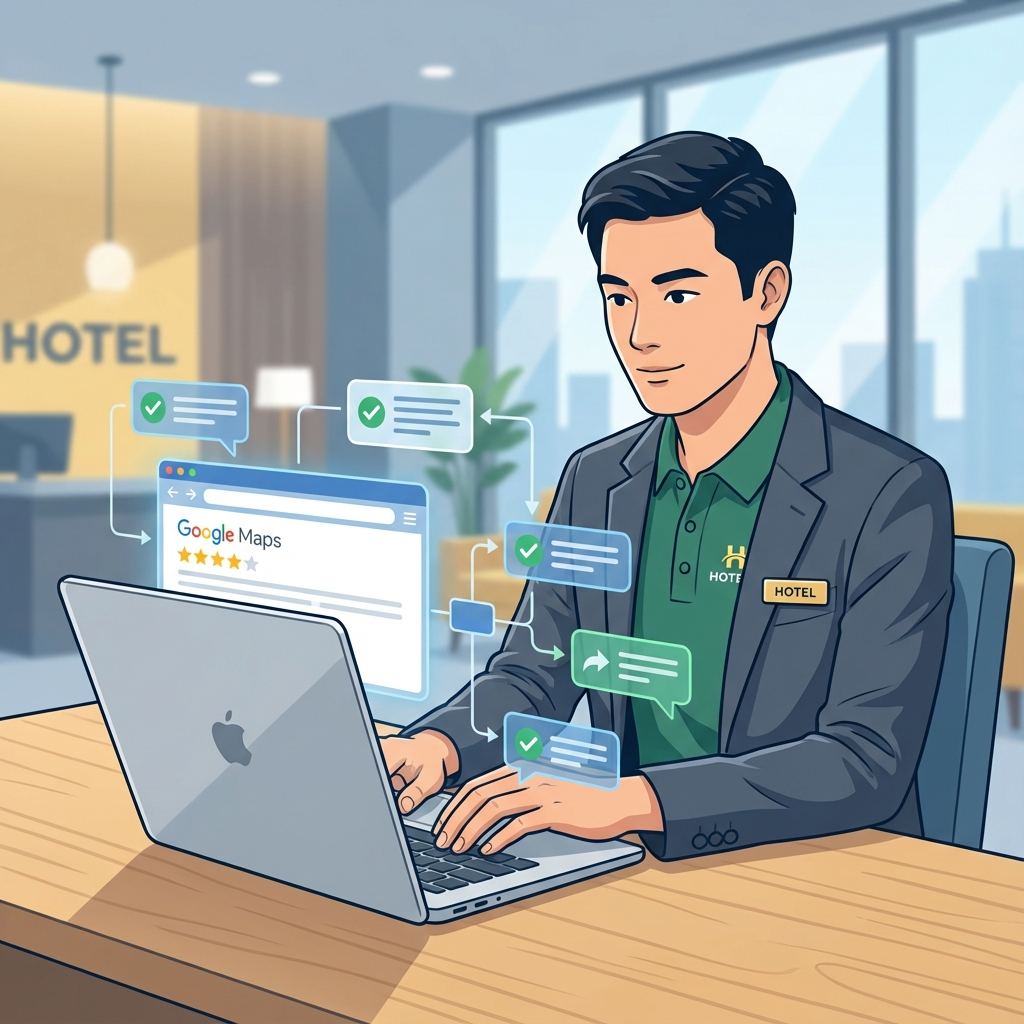
Why speed matters (and why “fast” can’t mean “generic”)
Fast responses help for three reasons:
- Future guests see you’re attentive. Your response is public and acts like a mini customer-service demo.
- Operations improve faster. Reviews are free QA; quick replies shorten the loop between feedback and action.
- Local presence stays active. An active Google Business Profile (formerly Google My Business) signals a well-managed business.
But speed backfires if your replies look automated. The goal is: fast + specific + on-brand.
The 30-second workflow to reply to Google reviews
Here’s the workflow we recommend for hotel teams using ReviewAgent.
Step 1: Centralize and triage (5 seconds)
Instead of jumping between logins and locations, use one inbox for Google reviews and triage with simple rules:
- 1–2 stars: escalate to a manager, require approval before posting
- 3 stars: respond with empathy + one concrete improvement
- 4–5 stars: thank them and reinforce the specific positives
[!TIP] If you manage multiple properties, consistent triage rules prevent “silent locations” where reviews sit unanswered for days.
Step 2: Use a response framework (10 seconds)
To reply quickly without sounding robotic, use the same structure every time. A simple version:
THANK → SPECIFIC → COMMIT → INVITE
- THANK: thank them for the stay/feedback
- SPECIFIC: mention one detail they shared (or a plausible hotel-specific detail if none exists)
- COMMIT: confirm what you’ll keep doing (positive) or what you’ll fix (negative)
- INVITE: invite them back (positive) or take it offline (negative)
This structure keeps responses short, human, and consistent across team members.
Step 3: Draft with AI, then personalize (10–15 seconds)
AI is fastest when it drafts your structure in your tone, then you add one “human proof” detail:
- the room type (“deluxe room”, “suite”)
- the area (“rooftop bar”, “spa”, “breakfast buffet”)
- a concrete fix (“we adjusted our check-in staffing during peak hours”)
With ReviewAgent, your team can generate a draft in seconds and then edit before publishing.
Step 4: Approve and publish (5 seconds)
For teams, the best practice is:
- auto-draft for all reviews
- require approval for negative reviews and sensitive categories
- store “brand voice” guidelines so replies stay consistent even when different people approve
Templates you can reuse (fast, but not copy/paste)
These are “fill-in-the-blanks” templates designed to stay personal. Don’t post them unchanged—swap the bracketed details.
Template: 5-star Google review response
Hi [Name], thank you for staying with us and for the wonderful review. We’re so glad you enjoyed [specific highlight: breakfast / location / staff / rooms]. We’ll share your kind words with the team—especially [department]. We’d love to welcome you back whenever you’re in [city] again.
Template: 3-star “okay stay” response
Hi [Name], thank you for your feedback and for choosing us. I’m glad you liked [one positive], and I’m sorry we missed the mark on [one issue]. We’re already working on [specific improvement]. If you’re open to it, please contact us at [email] so we can learn more and make your next stay much better.
Template: 1-star response (take it offline)
Hi [Name], thank you for sharing this. I’m genuinely sorry your stay didn’t meet expectations. This isn’t the experience we aim to deliver. If you can email us at [email] with your reservation details, we’ll investigate what happened and follow up directly.
[!TIP] Need a bigger library? Use our Hotel Review Response Templates for more scenarios and tones.
Common mistakes that slow you down (and hurt trust)
If your goal is to reply to every Google review quickly, avoid these:
- Overlong replies. Guests don’t read essays; keep it 2–5 sentences.
- Copy/paste sameness. If ten replies start with “Thank you for your valuable feedback,” it looks automated.
- Defensiveness. Public arguments lose future bookings.
- No next step. Negative reviews should include a clear offline channel.
How to scale this across multiple properties
If you manage a group, “seconds” only works if you standardize:
- A shared brand voice (friendly, professional, luxury, etc.)
- Response guardrails (what you never say publicly, when to take offline)
- Property-specific snippets (amenities, departments, and names that make replies feel real)
That’s also where automation helps most: the system does the repetitive drafting, and humans add the specifics.
FAQ
Should you respond to every Google review?
Yes—especially for hotels. Responding shows accountability and builds trust. At minimum, reply to all negative reviews and a healthy share of positive ones, but the best-performing profiles respond consistently.
Can AI responses get you in trouble?
Not if you use it responsibly. Avoid fake claims, avoid revealing personal data, and don’t post identical text repeatedly. Use AI for drafting, then add a real detail so every response is unique and accurate.
What’s the fastest way to reply without losing quality?
Use a fixed structure (like THANK → SPECIFIC → COMMIT → INVITE) plus AI-assisted drafting, with approvals for negatives.
Next step: turn seconds into consistency
If you want to respond to Google reviews in seconds and keep your replies personal, try a workflow where drafts are generated instantly and your team approves only what needs attention.
Read next: Google Review Agent for Hotels: The Complete Guide (2025)
Share this Article
Link copied!