Google Business Profile Multiple Locations Guide for Hotels (2025)
A practical Google Business Profile multiple locations guide: governance, consistency, local SEO basics, and review-response workflows that scale across properties.
Managing a single Google Business Profile (GBP) is already a weekly job. Managing Google Business Profiles for multiple locations is a different game entirely:
- more listings to keep consistent
- more reviews to respond to
- more chances for outdated phone numbers, duplicate profiles, and brand-voice drift
This guide covers the essentials of multi-location GBP optimization for hotels—plus the review response workflow that keeps your reputation consistent across every property.
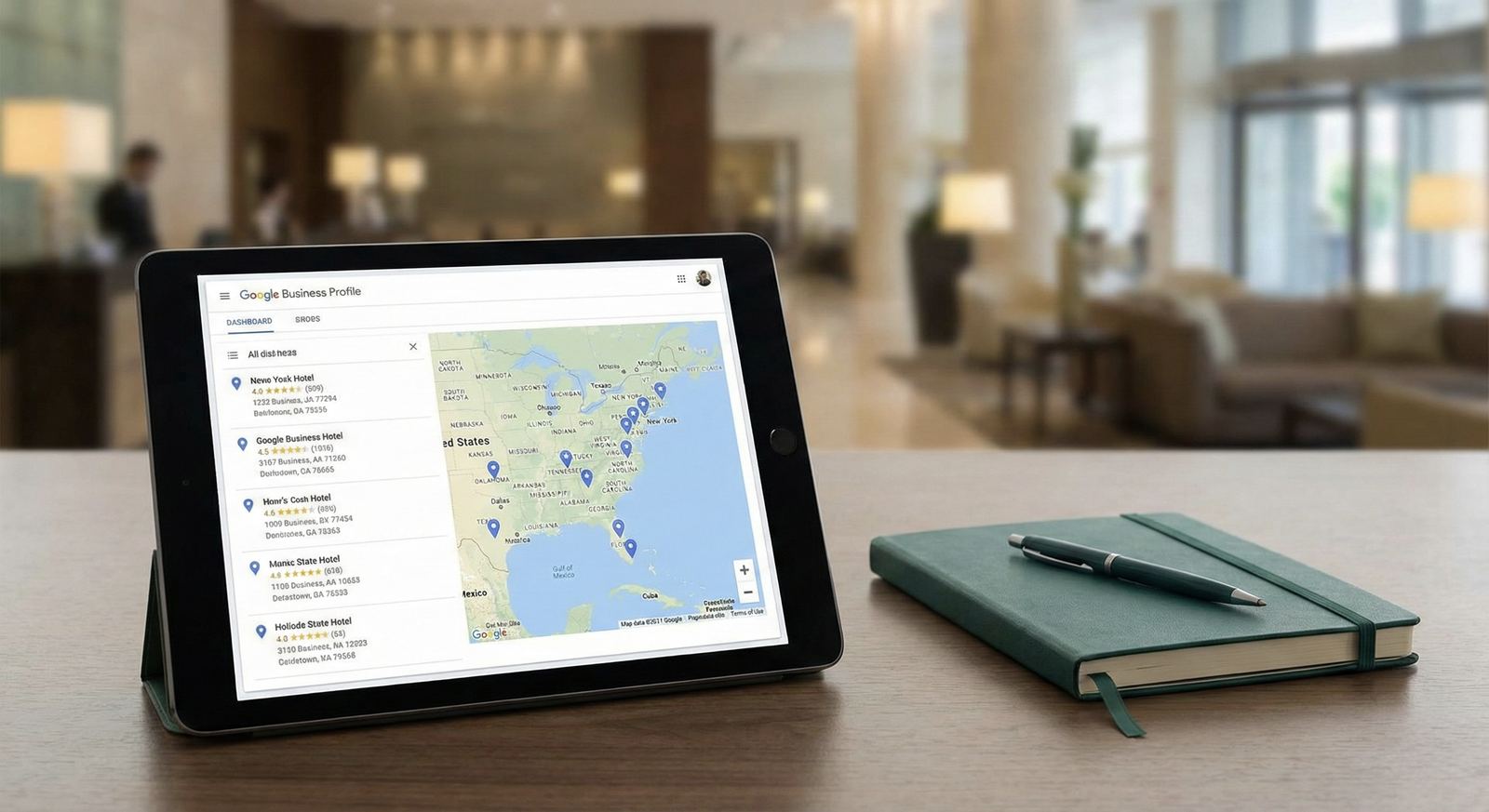
The #1 multi-location goal: consistency + local relevance
For multi-property groups, GBP success comes from two things:
- Consistency (accurate data across every listing)
- Local relevance (each property clearly signals what it offers and where it is)
Your job is to standardize what should be standardized—and localize what should be localized.
Multi-location foundations (before you “optimize”)
1) One profile per physical location
Hotels should generally have one listing per physical property. Avoid creating separate listings for internal departments (restaurant, spa) unless they qualify as distinct businesses with separate entrances and management—otherwise you risk duplicates and confusion.
2) Standardize your “core identity”
Create a single source of truth for:
- property naming conventions (brand + property name)
- address formatting
- primary phone numbers
- website URL structure (and UTM parameters if you use them)
3) Fix duplicates early
Duplicate listings split ranking signals and confuse guests. If you suspect duplicates:
- verify the correct listing owns the reviews
- request merges/removals through Google
- keep responses consistent and avoid “we have multiple listings” messaging in public replies
Optimization checklist for each location (hotel-specific)
Use this as a repeatable checklist per property.
Categories and attributes
- choose the most accurate primary category for a hotel
- add relevant attributes (accessibility, amenities) where applicable
- keep categories consistent across similar properties, but don’t force-fit a resort category onto a city hotel
Business description (short, clear, location-aware)
Write a description that includes:
- what the property is (boutique, resort, business hotel)
- where it is (neighborhood/city context)
- 2–3 differentiators (spa, conference facilities, rooftop bar)
Keep it factual. Avoid superlatives you can’t prove.
Photos (set a minimum standard)
Set a baseline per property:
- exterior + lobby
- rooms
- breakfast/restaurant
- meeting spaces (if relevant)
- seasonal updates (optional, but helpful)
[!TIP] If you’re short on time, focus on photo consistency across locations rather than perfect photo variety for one location and none for the others.
Posts and updates
Create a lightweight cadence (monthly is enough for many hotels):
- seasonal offers
- events
- renovations/updates
Avoid posting identical content across every location. A shared template is fine—local details should differ.
Q&A governance
Questions on GBP can shape guest expectations. Assign ownership:
- who answers questions?
- what response time is expected?
- what topics require approval (pricing, cancellation policies, safety)?
Reviews at scale: the part most multi-location teams struggle with
Multi-location teams often lose consistency in one of three ways:
- one property responds fast, others don’t respond at all
- replies become generic templates to save time
- negative reviews get delayed because “no one is sure who owns them”
A scalable review response policy
Create a simple policy shared across locations:
- Response SLA: e.g., 24–48 hours
- Triage: 1–2 stars need manager approval
- Tone guide: friendly/professional, 2–5 sentences
- Privacy rule: never include reservation details or personal data
If you want the fast workflow version, start here: How to Respond to Every Google Review in Seconds
How ReviewAgent fits into multi-location GBP operations
ReviewAgent is designed around the part of GBP that’s hardest to scale: consistent, high-quality review replies.
For multi-property teams, that usually means:
- one place to draft and manage replies across locations
- brand voice guidelines shared across the group
- approvals for sensitive reviews so your team stays in control
Common multi-location pitfalls (and how to avoid them)
- Inconsistent NAP: different phone numbers or slightly different addresses across platforms
- Wrong categories: copied from another location without verification
- Location confusion in replies: replying from the wrong property account
- Over-promising: promising refunds or guarantees in public replies
- No ownership model: no one is accountable for response time
Quick checklist: “ready for multi-location” GBP
- Each location has a verified, correct listing (no duplicates).
- Naming and address conventions are standardized.
- Categories/attributes are accurate per property.
- Photos meet a minimum baseline across all properties.
- Q&A ownership is assigned and monitored.
- A review response policy exists (SLA, triage, approvals, tone).
Read next
Share this Article
Link copied!