How to Remove Google Reviews (What’s Possible, What’s Not, and What to Do Instead)
You can’t delete Google reviews yourself—but you *can* flag policy violations, request removal, and protect your reputation with the right response strategy. Here’s the practical hotel playbook.
If you manage a hotel, you’ve probably had the same moment:
“This review is unfair / fake / not even a guest… can we remove it?”
Here’s the reality: you generally can’t delete Google reviews yourself. But you can:
- report reviews that violate Google’s policies,
- track and escalate the right cases,
- respond in a way that protects your conversion rate, even if the review stays.
This guide is the practical, hotel-focused playbook.
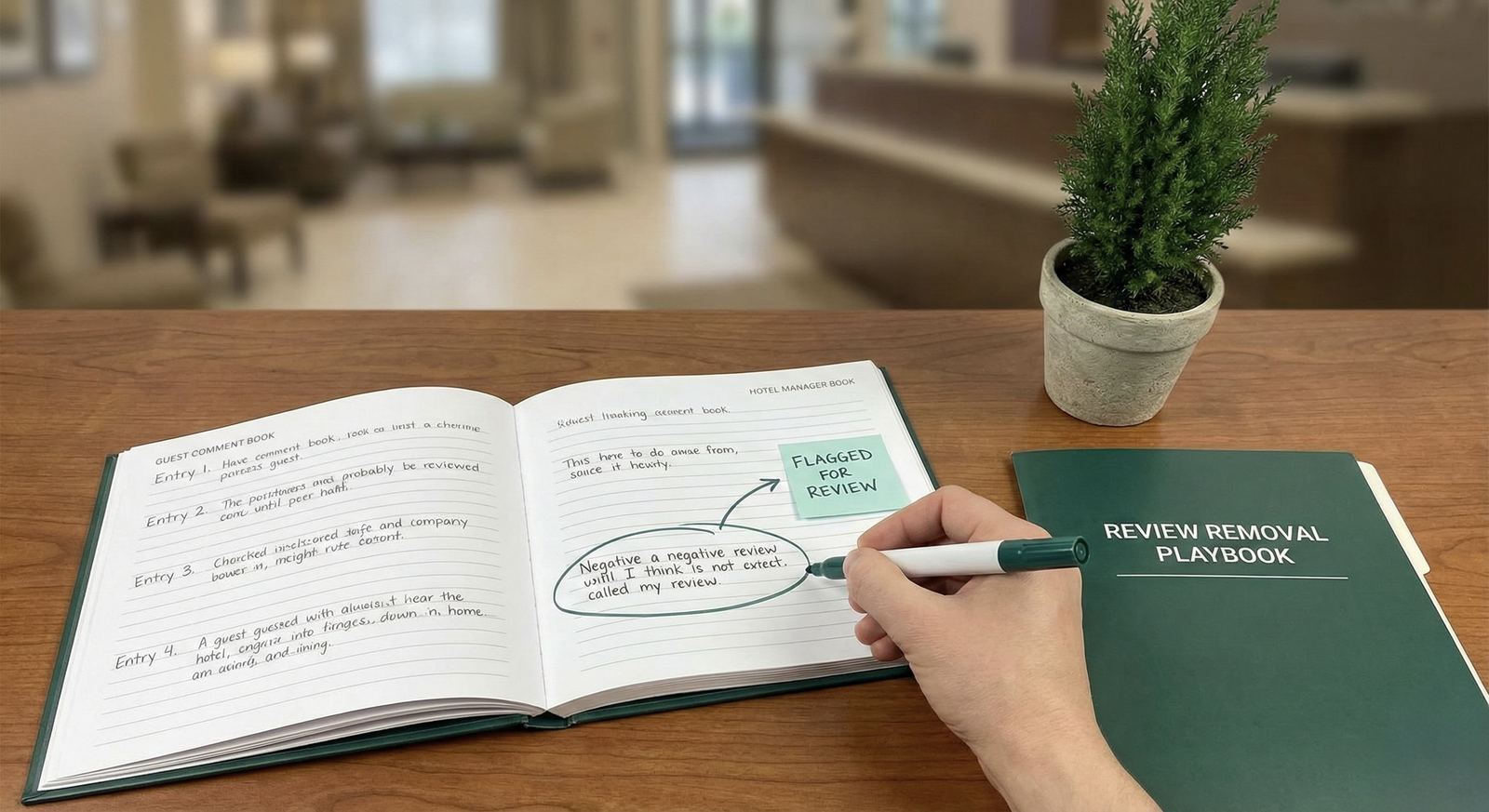
Can you remove Google reviews?
You can’t remove a review just because you don’t like it
Google won’t remove reviews simply because they’re negative, harsh, or “unfair”.
You can request removal if the review violates policy
Google may remove reviews that violate their policies (examples below).
Common reasons Google removes reviews (policy-style)
While policies change over time, these are common categories that are often actionable:
- spam / fake engagement (review bombing, bot-like patterns)
- off-topic content (not about a genuine experience)
- hate speech, harassment, threats
- personal information (doxxing, private data)
- conflict of interest (posted by employees/competitors)
- impersonation
- profanity or explicit content beyond what’s allowed
If you suspect the review is fake, use this checklist first: Spotting Fake Google Reviews
How to report a Google review for removal (practical steps)
Google’s interfaces change, but the process is usually:
- Open your business listing (Google Search / Google Maps or GBP dashboard).
- Find the review.
- Choose the option to report / flag the review.
- Select the reason (policy category).
- Submit and track the status.
What to include internally (so you can escalate)
Keep a simple internal note (even a spreadsheet works):
- review URL / screenshot
- reviewer name
- date/time
- reason you believe it violates policy
- any evidence (no reservation match, duplicated text across listings, etc.)
This makes follow-ups much faster.
What to do if Google won’t remove the review
This is the most common outcome—so treat it as a normal scenario, not an exception.
1) Respond in a way that wins the “future guest”
Your response is public. You’re not replying for the reviewer—you’re replying for the next 100 people who read it.
Use this structure:
ACKNOWLEDGE → CLARIFY → COMMIT → TAKE OFFLINE
- ACKNOWLEDGE: show you take feedback seriously
- CLARIFY: keep it factual; don’t accuse
- COMMIT: what you’ll review or improve
- TAKE OFFLINE: provide a contact path
If you need more templates: How to Respond to Negative Hotel Reviews
2) Avoid the two replies that backfire
Avoid:
- “This is fake / you never stayed here” (sounds defensive without proof)
- “We’re sorry you feel that way” (reads dismissive)
If you truly can’t find the guest record, use a calm “we can’t locate your stay” line and invite details privately.
3) Generate a steady stream of fresh, real reviews
One bad review has less impact when you have:
- recent reviews,
- consistent responses,
- visible service recovery.
Start with your review link workflow: How to Generate and Share a Google Reviews Link
Example responses (when you suspect the review is not genuine)
Template: “We can’t locate your stay”
Thank you for the feedback. We take concerns seriously, but we’re not able to locate a matching stay from the details provided. If you visited us recently, please contact our team with the date of stay so we can investigate and respond appropriately.
Template: “Off-topic / wrong business”
Thank you for your message. It sounds like this may refer to a different business or location. If you can share a few details (date of visit and what happened), we’ll gladly look into it.
How ReviewAgent helps (without over-automating)
When you’re dealing with removals and reputation pressure, speed and consistency matter:
- draft calm, policy-safe replies in your brand voice
- keep a manager approval step for sensitive cases
- stay consistent across platforms (Google + OTAs)
If you want the high-speed workflow: How to Respond to Every Google Review in Seconds
FAQ
How long does review removal take?
It varies. Treat removal as a parallel track—respond and protect your reputation while you wait.
Should we respond to a review we reported?
Usually yes. You can respond without escalating, and you can always update later if it gets removed.
Can we pay to remove a Google review?
No—any service claiming that is a red flag.
Read next
Share this Article
Link copied!