How to Generate and Share a Google Reviews Link (Hotels Guide + Templates)
A Google reviews link makes it easy for guests to leave feedback. Here’s how to generate it, where to share it, and what to say—without breaking Google’s rules.
If leaving a review takes more than a few taps, most guests won’t do it.
A Google reviews link solves that: it takes a guest directly to the “leave a review” screen for your property. For hotels, it’s one of the simplest ways to grow review volume—ethically.
How to generate a Google reviews link (the practical method)
Google’s UI changes, but the typical steps are:
- Open your Google Business Profile (Search for your business while logged in, or use the GBP management view).
- Find the section like “Ask for reviews” / “Get more reviews”.
- Copy your share link.
That link is what you use in emails, SMS, QR codes, and your website.
Where to share your Google reviews link (hotel placements that work)
The best placements are the ones that match real guest “moments”:
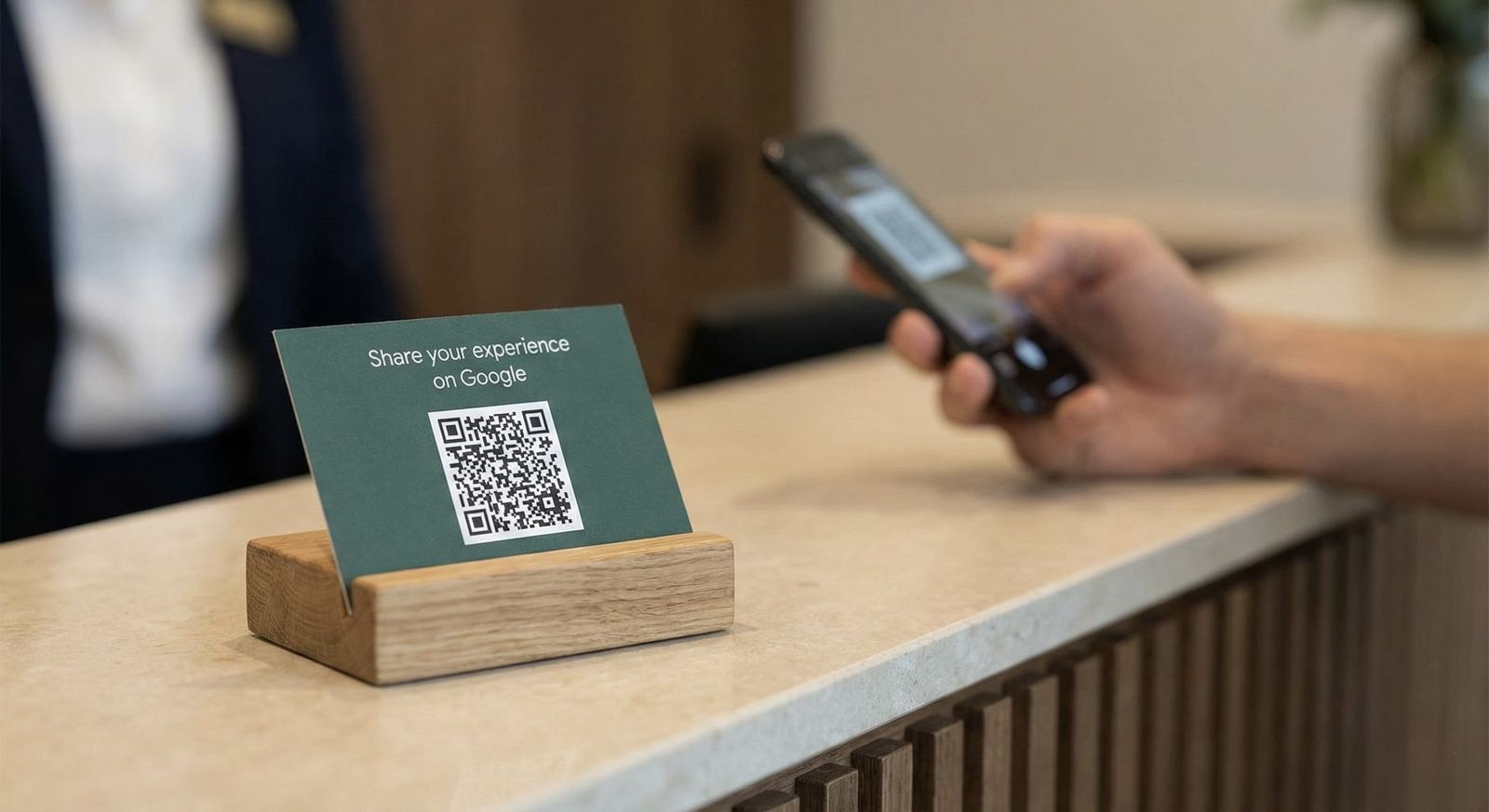
1) Reception (QR code)
- place a small QR code sign at the desk
- keep the message simple (“Tell us how we did on Google”)
- do not pressure guests or ask only “happy guests”
For a complete, hotel-friendly review request playbook (email/SMS/QR templates), use: How to Get More Hotel Reviews (Ethically)
2) Post-stay email
A short message with one clear CTA often performs best:
- subject: one simple line
- body: 2–3 sentences
- CTA button or link: your Google reviews link
3) In-room or key card collateral (light touch)
Works best if your property has a consistent service culture.
4) Website (confirmation / thank-you page)
If you have a post-booking or post-checkout page, adding a link there can convert without feeling pushy.
If you want to also show reviews on your site: Add Google Reviews to Your Website
What NOT to do (policy-safe reminders)
Avoid actions that commonly violate policies or backfire:
- do not offer incentives (discounts, gifts) for reviews
- do not ask only positive guests to review (“review gating”)
- do not post the link in a way that feels spammy
- do not create fake reviews
If you’re unsure about review gating, start here: Review Gating for Hotels: Risks + Safer Alternatives
If you’re dealing with spam or fake reviews, use: Spotting Fake Google Reviews
Hotel-friendly templates you can copy
Adapt the tone to your brand (boutique, luxury, business).
Post-stay email template
Subject: Thank you for staying with us
Hi {{first_name}},
Thank you for choosing {{hotel_name}}. If you have a moment, we’d appreciate a quick Google review—your feedback helps our team improve.
Leave a review: {{google_review_link}}
Reception QR code copy
Enjoyed your stay?
Tell us on Google: {{google_review_link}}
Service recovery template (after a resolved issue)
Thanks again for giving us the chance to fix the issue during your stay. If you’d like to share your experience, here’s our Google review link: {{google_review_link}}
The link is only half the system: respond consistently
More reviews help, but the real conversion lever is how your team responds:
- fast responses show attentiveness
- specific responses build trust
- calm service recovery reduces damage
Start here:
- How to Respond to Every Google Review in Seconds
- How to Respond to a Google Review With No Comment (Examples)
Read next
Share this Article
Link copied!