Add Google Reviews to Your Website (Hotel-Friendly Options + Best Practices)
Want to add Google reviews to your website without breaking policies or slowing your pages? Here are hotel-friendly options, what to avoid, and how to turn reviews into more direct bookings.
If you’re a hotel, your website has one job: turn “maybe” into a booking.
That’s why many hoteliers want to add Google reviews to their website. Done well, it increases trust and reduces friction. Done poorly, it can:
- slow down your pages,
- look spammy, or
- create policy/compliance headaches.
This guide covers the best ways to show Google reviews on a hotel website—plus the best practices that make it convert.
First: what you can and can’t do
Google reviews are on Google’s platform. In general:
- You can link to your Google reviews and display ratings/testimonials in ways that follow platform rules.
- You should not scrape Google reviews in a way that violates terms or creates misleading displays.
If you use a widget or third-party provider, make sure it’s reputable and transparent about how it sources and refreshes review content.
[!NOTE] This is practical guidance, not legal advice. If you’re unsure about a specific embed method, check the provider’s documentation and Google’s current policies.
If you’re also trying to increase review volume (not just display it), start here: How to Get More Hotel Reviews (Ethically)
And if you want a repeatable workflow for monitoring and replying across platforms: Hotel Review Management: Complete Guide
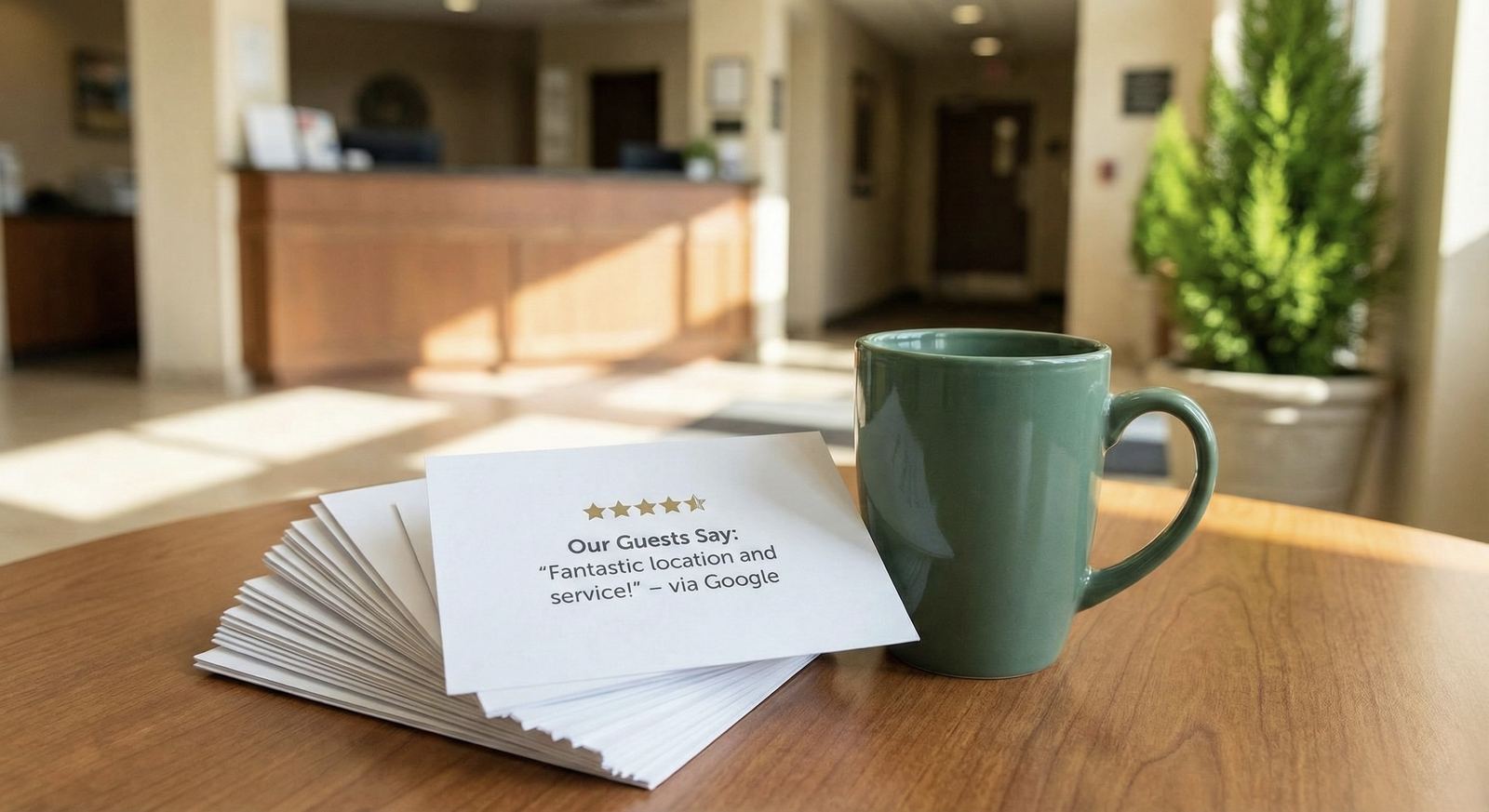
Option 1 (recommended for most hotels): “Best of reviews” on your site + link to Google
This is the simplest and usually the safest approach:
- Show a small set of curated review snippets (short quotes).
- Link to your Google review profile for the full source context.
Why this works
- fast page load
- clean design
- easy to maintain
- strong credibility (because you link to the source)
Best practice for hotels
- Put a reviews block on high-intent pages: homepage, rooms, offers, location, booking funnel.
- Use short quotes that match common guest intent: cleanliness, location, breakfast, staff.
Option 2: Embed a Google Map with your listing
Embedding a map is a common, low-risk way to bring Google context onto your site.
It won’t always display reviews in a widget-like way, but it provides:
- instant legitimacy (“this is a real listing”)
- easy path to view reviews on Google
Use this especially on your Contact and Location pages.
Option 3: Use a review widget (choose carefully)
Some hotels use widgets that display:
- overall rating,
- review count,
- a rotating set of review snippets.
If you choose this route, prioritize:
- performance (loads fast, doesn’t block rendering)
- accuracy (clearly sourced, updated regularly)
- control (filtering, moderation rules, and brand-safe display)
Widget checklist (so you don’t hurt SEO)
- loads after main content (lazy-loaded)
- doesn’t require huge scripts
- doesn’t inject multiple duplicate headings
- works on mobile without layout shifts
- doesn’t create indexable duplicate pages
If you want reviews to support SEO, start with review responses: Do Review Responses Help SEO?
Where to place reviews on a hotel website (for conversions)
If your site is booking-focused, place reviews where they reduce the biggest doubts:
- Homepage: trust block under your primary CTA
- Rooms: reassurance right before “Book now”
- Offers: social proof to justify the rate/package
- Location page: “great location” proof near maps/transit info
- Checkout step: short proof to reduce last-minute abandonment
How to format reviews so they don’t look fake
The goal is credibility, not “perfect marketing copy”.
Use:
- real short quotes (1–2 sentences)
- a mix of themes (staff, breakfast, rooms, location)
- a clear source link (“Read more on Google”)
Avoid:
- overly polished or overly long testimonials
- hiding the source
- “all 5-star, all the time” displays that feel curated to the point of distrust
The hidden lever: your responses are part of the “review content”
Guests don’t just read ratings—they read how you respond.
If your website highlights reviews, your review responses should be:
- consistent across platforms
- on-brand
- specific (not copy/paste)
If you need a workflow that stays personal at scale:
- How to Respond to Every Google Review in Seconds
- Personalized AI Review Replies (Without Sounding Robotic)
FAQ
Does adding Google reviews to my website improve SEO?
It can improve conversions and engagement, which indirectly helps. But the biggest SEO impact usually comes from your Google Business Profile itself and from consistent review engagement (new reviews + responses).
Should I show reviews on every page?
Not necessarily. Put them on high-intent pages where they reduce friction (homepage, rooms, offers, checkout).
What’s the simplest “safe” approach?
Show a curated reviews section and link to your Google listing for full context.
Read next
Share this Article
Link copied!