Spotting Fake Google Reviews: How Hotels Can Identify and Handle Them
Fake Google reviews can hurt conversions and morale. Learn the common patterns, what evidence to gather, how to respond safely, and when removal is possible.
Hotels are frequent targets for fake reviews:
- competitors trying to harm your rating,
- “review bombing” after a controversial event,
- mistaken identity (wrong property),
- spam accounts.
The challenge is that a fake review can look real at first glance—and an emotional public response can make it worse.
This guide gives you a clear checklist: how to spot fake Google reviews, what to do next, and how to respond safely.
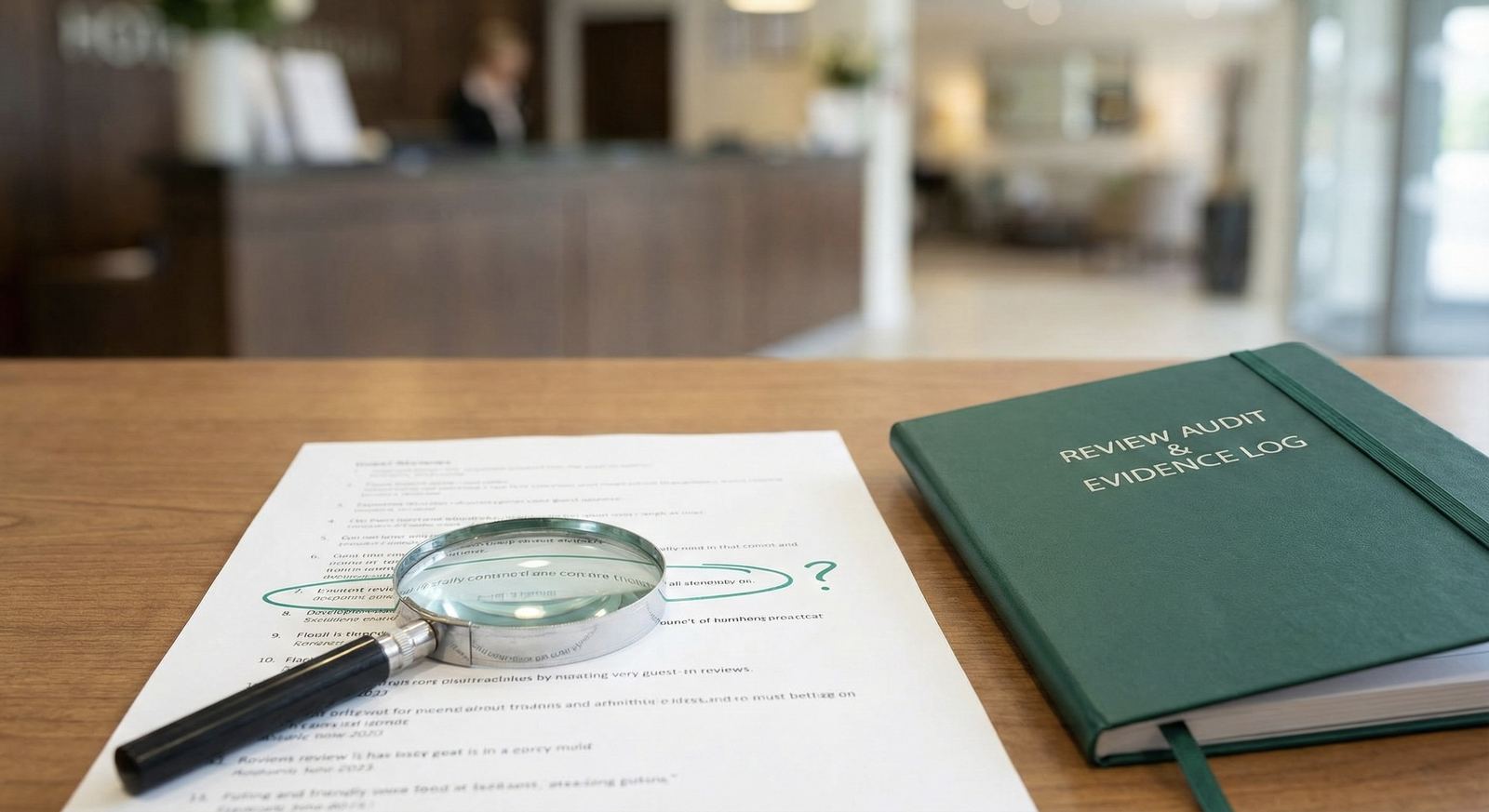
First: “fake” isn’t the same as “negative”
Unfair or harsh doesn’t automatically mean fake.
Treat these as separate categories:
- real but negative: respond with empathy + service recovery
- possibly not genuine: respond neutrally + ask for details + investigate
- policy-violating: report for removal (and respond calmly while you wait)
If you need negative-review templates: How to Respond to Negative Hotel Reviews
Red flags that often indicate a fake Google review
Use these signals together—one signal alone isn’t proof.
1) No specific stay details
Many fake reviews are vague:
- no dates
- no department mentioned
- no specific issue beyond generic insults
2) The story doesn’t match your hotel reality
Examples:
- mentions amenities you don’t have
- describes a location or city you’re not in
- complains about a service you don’t offer
3) Sudden spike in ratings (review bombing)
If you see multiple 1-star reviews within a short window with similar wording, treat it as an incident.
4) Copy/paste patterns
Repeated phrases across multiple reviews can indicate coordinated behavior.
5) Reviewer history looks suspicious (when visible)
Some fake profiles have:
- many reviews in many cities in a short time
- one-star only behavior
- generic names and no context
What to do internally before you respond publicly
Create a 5-minute internal check:
- Search for a matching reservation (if possible).
- Check if the complaint matches any known incidents.
- Look for similar reviews posted the same day.
- Save the review URL/screenshot.
- Decide: respond only, or respond + report for removal.
Should you respond to a suspected fake review?
Usually yes—because silence can look like avoidance.
The key is to respond without:
- accusing the reviewer publicly,
- revealing personal information,
- escalating the conflict.
Template: suspected fake / can’t locate stay
Thank you for the feedback. We take concerns seriously, but we’re not able to locate a matching stay from the details provided. If you visited us recently, please contact our team with the date of stay so we can investigate and respond appropriately.
Template: wrong property
Thank you for your message. It’s possible this review refers to a different business or location. If you can share the date of visit and a few details, we’ll gladly look into it.
When can Google remove a fake review?
You generally need a policy angle:
- spam/fake engagement
- off-topic content
- harassment/hate speech/threats
- personal information
- conflict of interest
For the practical removal steps: How to Remove Google Reviews
How to reduce the impact of fake reviews over time
Fake reviews hurt less when your profile shows a healthy pattern:
- consistent new reviews
- consistent responses
- visible service recovery
Start with:
- a simple review link process: How to Generate and Share a Google Reviews Link
- a fast response workflow: How to Respond to Every Google Review in Seconds
How ReviewAgent helps (practically)
For hotel teams, the hardest part isn’t writing one response—it’s staying consistent across hundreds of reviews.
ReviewAgent helps you:
- draft calm, brand-safe responses quickly
- keep approvals for sensitive reviews
- maintain consistency across Google and OTAs
Read next
Share this Article
Link copied!