Review Response Generator: What It Is (and What It’s Not)
A review response generator can save hours—if it stays accurate, brand-safe, and human. Here’s what to expect, what to avoid, and how hotels should use it.
Hotels live and die by trust. Reviews are public proof—especially when guests are choosing between similar properties.
That’s why “review response generator” tools are everywhere. They promise speed, consistency, and better response rates.
But there’s a big difference between:
- an AI tool that drafts replies responsibly, and
- a template machine that creates generic (or risky) copy/paste responses.
This article explains what a review response generator actually is, when it works, and how to use it the right way.
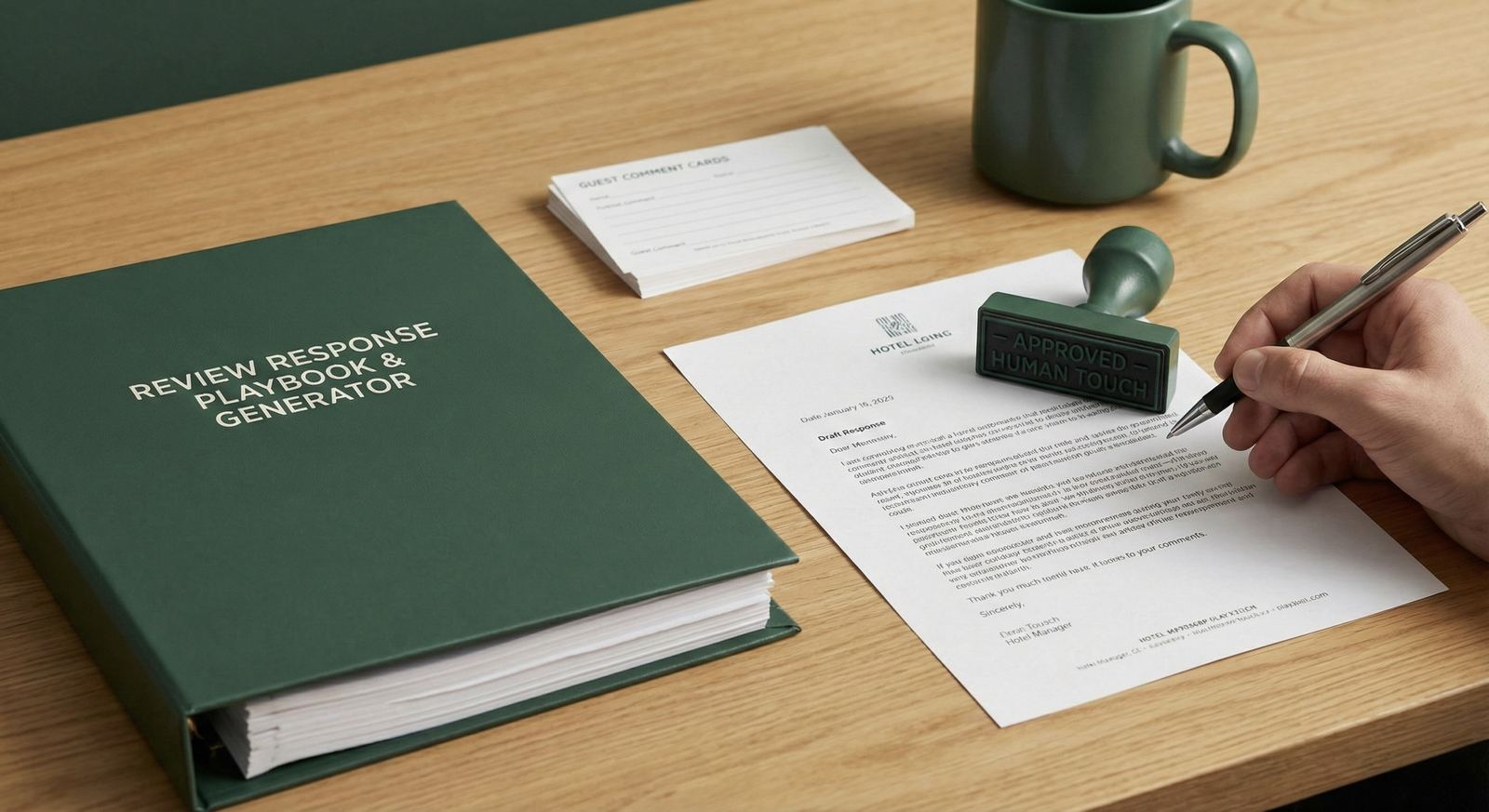
What is a review response generator?
A review response generator is software that creates a draft reply to a customer review, usually by:
- reading the review text and star rating,
- identifying the sentiment and key topics,
- generating a response in a chosen tone and length.
For hotels, the ideal generator supports:
- multiple locations,
- multiple review platforms,
- brand voice consistency across staff.
What a review response generator is NOT
A good generator is not:
- a “one template per star rating” copy/paste system
- an auto-posting bot that publishes without review (especially for negatives)
- a tool that invents details to sound personal
If you want personalization without contradictions, use this approach: Personalized AI Review Replies (Without Sounding Robotic)
The 3 outcomes hotels should aim for
If you use a review response generator, judge it by outcomes:
- Higher response rate (fewer reviews left unanswered)
- Better consistency (brand voice across staff and properties)
- Less risk (privacy-safe, policy-safe replies)
Speed matters—but only if quality stays high.
Must-have features (hotel checklist)
1) Brand voice control
You should be able to define tone (friendly, professional, luxury) and length (2–5 sentences) so replies don’t feel random.
2) “Do not invent details” guardrails
Hotels should avoid guessing specifics (room type, reservation details, incident facts). The tool should encourage pulling details only from the review text or approved inputs.
3) Approval workflows for sensitive reviews
Best practice:
- auto-draft for all reviews
- require approval for 1–2 stars and sensitive topics
4) Templates + structure (so humans can edit fast)
The fastest systems use consistent structure:
THANK → SPECIFIC → COMMIT → INVITE
If you want a full workflow, start here: How to Respond to Every Google Review in Seconds
5) Multi-platform consistency
Hotels usually need to manage reviews across Google and OTAs. Even if you handle publishing in different tools, your drafting process should stay consistent.
Red flags (avoid these)
- replies read identical across multiple reviews
- the generator mentions things the guest never said (“we’re glad you loved the spa”)
- it includes private information (reservation details)
- it encourages arguing with guests in public
- it claims “auto-removes negative reviews” or “guarantees 5-star ratings”
How to use a review response generator (best practice workflow)
Step 1: Triage by risk (10 seconds)
- 1–2 stars: manager approval
- 3 stars: empathy + one improvement
- 4–5 stars: short thanks + one highlight
Step 2: Generate a draft (10–20 seconds)
Use AI to draft the structure and tone.
Step 3: Add one “proof” detail (10 seconds)
Add one true detail from the review (or ask for it if there isn’t one).
Step 4: Final check (5 seconds)
- accurate?
- private-data safe?
- on-brand?
Why ReviewAgent is built for this job
ReviewAgent is designed for hotel teams that want speed without losing control:
- drafts replies in seconds in your brand voice
- supports approvals for negatives and edge cases
- helps keep responses consistent across teams and properties
If you’re starting from zero, use this pillar guide: Google Review Agent for Hotels: The Complete Guide
Read next
Share this Article
Link copied!