AI Review Agent Hotel Revenue Insights Reputation Management Hotel ROI Calculator AI Automation Revenue Management Hotel Technology

AI Review Agents: The Smart Path to Hotel Revenue Insights and Growth in 2025

By The Review Agent Team Updated: 2025-11-05 7 min read

The hospitality industry is experiencing a revolution in how hotels manage their online reputation. AI review agents are no longer just responding to guest feedback—they’re becoming strategic revenue management tools that deliver measurable hotel revenue insights and financial returns. If you’re still managing reviews manually, you’re leaving money on the table.

What Is a Review Agent and Why It Matters

A review agent (also called an AI review assistant or reputation management agent) is an intelligent software system that monitors, analyzes, and responds to guest reviews across multiple platforms—Google, Booking.com, TripAdvisor, Expedia, and more. But unlike simple automation tools, modern AI review agents use advanced natural language processing to understand sentiment, generate personalized responses that reflect your brand voice, and provide actionable hotel revenue insights.

The numbers tell the story: 76% of hotel executives say AI is fundamentally changing the industry, and 79% report positive business impact from AI implementation, according to Hotel Tech Report’s comprehensive AI statistics. The global AI market in hospitality is projected to reach $0.92 billion by 2028, with adoption increasing 60% annually.

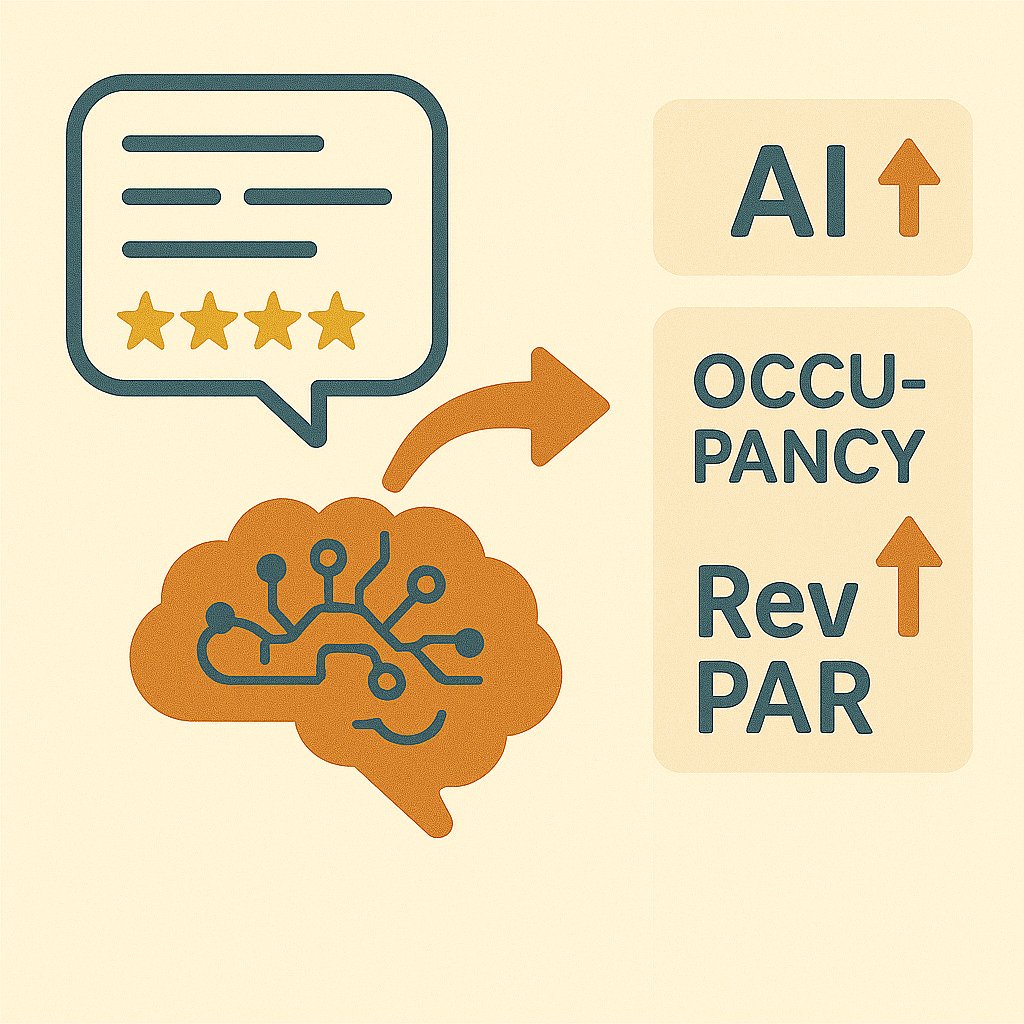
Illustration showing AI analyzing review data and converting it into revenue metrics like ADR, occupancy, and RevPAR

The Direct Revenue Impact: What the Research Shows

Cornell’s Groundbreaking Findings

The hospitality industry’s most cited research comes from Cornell University’s School of Hotel Administration, which established a clear financial link between online reputation and revenue performance:

  • A 1-point increase in review scores enables hotels to increase prices by 11.2% while maintaining occupancy (Cornell study featured in Travel Weekly)
  • A 1% improvement in reputation score leads to:
  • 0.89% increase in ADR (Average Daily Rate)
  • 0.54% increase in occupancy
  • 1.42% increase in RevPAR (Revenue Per Available Room)

These aren’t theoretical projections—they’re measured outcomes from analyzing thousands of hotels’ transactional data, as detailed in Cornell’s official social media impact report.

Real-World Performance Metrics

Industry analysis shows travelers are 3.9 times more likely to book a hotel with excellent ratings. Meanwhile, RevFine’s research on pricing strategies shows that even a “Good” rating (versus “Excellent”) can suppress ADR and compromise revenue potential.

The data is clear: reputation management isn’t marketing—it’s revenue management.

Why Guest Reviews Are Your Most Powerful Revenue Lever

The Trust Factor Driving Bookings

Consumer behavior in 2025 shows that online reviews have become the ultimate decision-making factor:

The challenge? Manual review management across multiple platforms is overwhelming. This is where AI review agents create their greatest value.

The Response Advantage

Responding to reviews isn’t just good customer service—it’s a proven revenue driver:

How AI Review Agents Deliver Hotel Revenue Insights

1. Real-Time Performance Intelligence

Modern AI review agents aggregate reviews from all major platforms and use natural language processing to extract actionable hotel revenue insights:

  • Sentiment trends that predict guest satisfaction shifts before they impact scores
  • Topic modeling that identifies which aspects (cleanliness, service, location) drive your ratings
  • Competitive benchmarking showing how your reputation compares to local competitors
  • Revenue correlation analysis connecting review metrics to actual booking and ADR data

These insights enable proactive management rather than reactive firefighting.

2. Automated, Brand-Consistent Responses

AI review agents eliminate the time burden while maintaining quality:

  • 1 in 3 hoteliers saves at least 3 minutes per review with AI assistants, according to industry research
  • Hotels can increase response speed by 3x using AI automation
  • Real-world implementations show hotels achieving 100% response rates across major platforms with average response times under 3 days

The efficiency gains free up staff to focus on guest experience improvements rather than administrative tasks.

3. Predictive Analytics and Revenue Forecasting

Advanced AI review agents connect reputation data to revenue outcomes:

  • ADR optimization recommendations based on reputation positioning
  • Occupancy forecasting that factors in review trends and sentiment shifts
  • Competitive rate intelligence showing pricing power relative to review scores
  • ROI tracking that quantifies the financial impact of reputation improvements

This transforms review management from a cost center into a strategic revenue function.

Calculating Your Hotel’s Review Management ROI

Understanding the financial impact of reputation management requires data. A comprehensive hotel ROI calculator should incorporate Cornell and Harvard research to provide accurate projections based on your specific property metrics.

Key Variables to Track

To measure your review agent’s impact, monitor these metrics:

  1. Review Volume Growth: More reviews = more social proof
  2. Average Rating Improvement: Each 0.1-point increase matters
  3. Response Rate: Target 80%+ across all platforms
  4. Response Time: Under 24 hours for negative reviews, 48 hours for all others
  5. Sentiment Trend: Positive review percentage over time
  6. Revenue Correlation: ADR and occupancy changes relative to reputation improvements

Expected Returns

Based on industry research, here’s what hotels typically see:

  • Mid-sized hotel (100 rooms) improving rating from 4.2 to 4.5:
  • +7.1% ADR increase (0.3 points × 0.89% per 0.1 point ≈ 2.67% + pricing power)
  • +1.6% occupancy increase
  • Annual revenue impact: $150,000-$300,000 depending on market

These figures align with RevFine’s profitability measurement guidance and Customer Alliance’s ROI analysis.

What to Look for in an AI Review Agent

The AI review agent market has evolved significantly, offering solutions for properties of all sizes. Whether you’re managing a single boutique hotel or a multi-location portfolio, the right platform can transform your reputation management from a time drain into a strategic revenue driver.

Key Features to Evaluate

When selecting a review agent, prioritize:

  1. Multi-platform integration: Google, Booking.com, TripAdvisor, Expedia, HolidayCheck
  2. AI response quality: Brand voice consistency, personalization, language support
  3. Analytics depth: Sentiment analysis, topic modeling, revenue correlation
  4. Automation level: Review monitoring, response suggestions, auto-publishing options
  5. ROI tracking: Built-in metrics connecting reputation to revenue
  6. Scalability: Single property vs. multi-location management

The Future of AI Review Agents: What’s Coming

The evolution continues rapidly. By 2026, expect to see:

  • Predictive guest experience management: AI agents identifying potential negative experiences before checkout
  • Dynamic pricing integration: Automatic ADR adjustments based on reputation changes
  • Voice of customer insights: Deeper analysis connecting review themes to operational improvements
  • Competitor intelligence: AI agents monitoring and comparing your reputation positioning in real-time
  • Proactive reputation building: Automated review generation campaigns triggered by positive guest signals

Hotel Speak’s analysis of AI agents identifies reputation management as one of six critical areas being transformed by artificial intelligence.

Taking Action: Your Reputation Revenue Strategy

The evidence is overwhelming: investing in AI-powered review management directly impacts your hotel’s financial performance. Here’s your action plan:

Immediate Steps (This Week)

  1. Audit your current review presence across all platforms
  2. Calculate your response rate and average response time
  3. Benchmark your average rating against local competitors
  4. Estimate potential revenue impact using a hotel ROI calculator

Short-Term Implementation (This Month)

  1. Select an AI review agent that fits your property size and needs
  2. Integrate all review platforms into a single management system
  3. Establish response protocols and brand voice guidelines
  4. Train staff on using insights to improve guest experience

Long-Term Strategy (This Quarter)

  1. Connect reputation metrics to revenue KPIs in your reporting
  2. Implement proactive review generation to increase volume
  3. Use AI insights to identify operational improvement priorities
  4. Track ROI and adjust strategy based on performance data

Conclusion: From Cost Center to Profit Driver

The transformation of review management from a customer service function to a strategic revenue driver is complete. AI review agents make it possible for hotels of any size to leverage the same data-driven reputation strategies that enterprise chains use to optimize pricing power and maximize RevPAR.

The question isn’t whether to invest in intelligent review management—the Cornell research and real-world implementations prove the ROI. The question is how quickly you’ll implement an AI review agent to start capturing that value.

Ready to transform your hotel’s online reputation into a revenue engine?

Review Agent’s AI-powered platform helps hotels of all sizes aggregate reviews from Google, Booking.com, TripAdvisor, Expedia, and HolidayCheck—generating intelligent, personalized responses that reflect your brand voice while providing deep analytics that connect reputation to revenue.

Whether you’re managing a single property or a multi-location portfolio, our platform delivers the insights and automation you need to turn review management from a cost center into a strategic revenue driver.

[Try the interactive demo(https://review-agent.app/demo) or use our ROI calculator to estimate your potential revenue impact.


Related Reading


Last updated: November 2025 | Research sources include Cornell University School of Hotel Administration, Harvard Business School, Hotel Tech Report, and leading hospitality technology analysts.

Share this Article

Link copied!

Related resources